Best Launch Monitors Compared
A side-by-side comparison of our top launch monitor picks, ranked Best Overall and Best Value.


SkyTrak
SkyTrak+ Launch Monitor
The most complete simulator software ecosystem of the two.
- Tracking Method
- Photometric (camera-based)
- Data Captured
- Ball speed, launch angle, spin rate, carry distance
- Use Cases
- Indoor simulator, outdoor range sessions, club fitting
- Doubles as a full simulator with the SkyTrak+ software subscription
- Portable enough for range sessions and home use
- Full simulator features require an ongoing software subscription
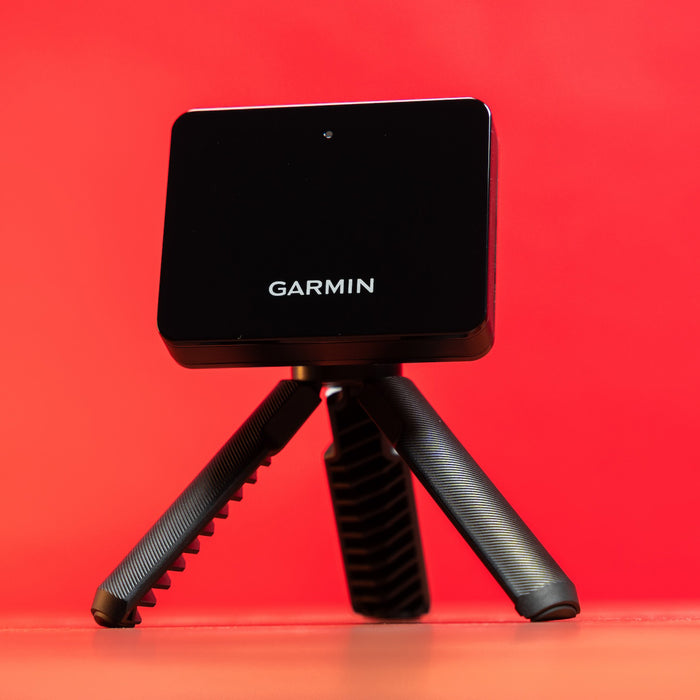
Garmin
Approach R10 Launch Monitor
The lowest-cost way into simulator-style data.
- Tracking Method
- Doppler radar
- Data Captured
- Ball speed, club head speed, carry distance, spin
- Use Cases
- Indoor practice, outdoor range, casual simulator play
- Most affordable way into simulator-style play at home
- Small enough to travel to the range
- Fewer data points than premium launch monitors
How these compare
SkyTrak+ and the Garmin Approach R10 are the two launch monitors covered on this site, representing a premium camera-based option and a budget radar-based option.
Best Overall — SkyTrak+
Photometric camera tracking and a mature software ecosystem make this the strongest all-around pick for a golfer building a serious home setup.
Best Value — Garmin Approach R10
At roughly a fifth of SkyTrak+’s price, the R10 is the most affordable way to start seeing real swing and ball data at home or on the range.
For the full narrative breakdown, see our SkyTrak+ vs. Garmin R10 head-to-head, or read the best launch monitors guide.
Frequently Asked Questions
Can either of these be used outdoors on the range?
Yes — both are portable enough to bring to a driving range, though SkyTrak+ is more commonly set up as a permanent indoor simulator centerpiece.