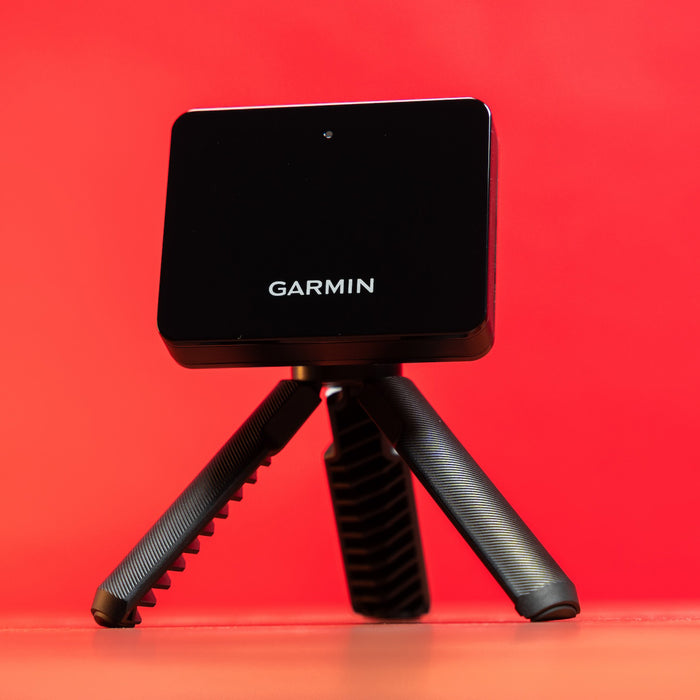
SkyTrak+ Review
An in-depth editorial review of the SkyTrak+ launch monitor and simulator platform.

SkyTrak
SkyTrak+ Launch Monitor
Pros
- Doubles as a full simulator with the SkyTrak+ software subscription
- Portable enough for range sessions and home use
- Strong ball-flight accuracy for the price point
Cons
- Full simulator features require an ongoing software subscription
- Indoor use benefits from a consistent hitting mat
Overview
This review is based on the manufacturer’s published specifications and publicly available third-party testing, not hands-on use by our editorial team. We have not personally tested this unit. Ratings and conclusions here reflect an editorial assessment of documented performance, not a first-hand account.
Portability and setup
Unlike overhead camera systems, SkyTrak+ sits in front of and slightly to the side of the ball, which makes it easier to move between an indoor setup and the range, based on its published design. Setup is described as largely plug-and-play once positioned correctly.
Accuracy for the price
For a unit in this price range, SkyTrak’s photometric tracking has a strong published track record for consistent carry distance and spin numbers — a meaningful step up from lower-cost radar units, though it is not marketed as matching premium overhead camera systems.
Software ecosystem
The SkyTrak+ software subscription is where the value proposition sharpens: it unlocks full simulated courses, practice ranges, and games, effectively turning the unit into a complete simulator rather than just a data-only launch monitor.
Verdict
Based on its specifications and software ecosystem, SkyTrak+ is positioned as a strong middle-ground choice for golfers who want real simulator play without committing to a premium overhead camera build, and who value the flexibility to also bring the unit to the range. See the Garmin Approach R10 as a lower-cost alternative.